Mobile Security
Safeguard iPhones, Androids, and Chromebooks from the same console as your workstations.
Why Mobile Security
They handle email, files, and cloud apps. They belong in your console.
A phishing click on an iPhone or malware on a compromised Android goes undetected until damage is done.
ThreatDown Mobile Security adds Android, iOS, iPadOS, and ChromeOS to the same Nebula or OneView console your team already uses.
Capacidades
Detects and blocks malware on Android and ChromeOS, even when running in the background. We remediate detected threats automatically.
Blocks phishing sites and removes ad trackers before they load on the device. Push policies from your console with no per-device configuration.
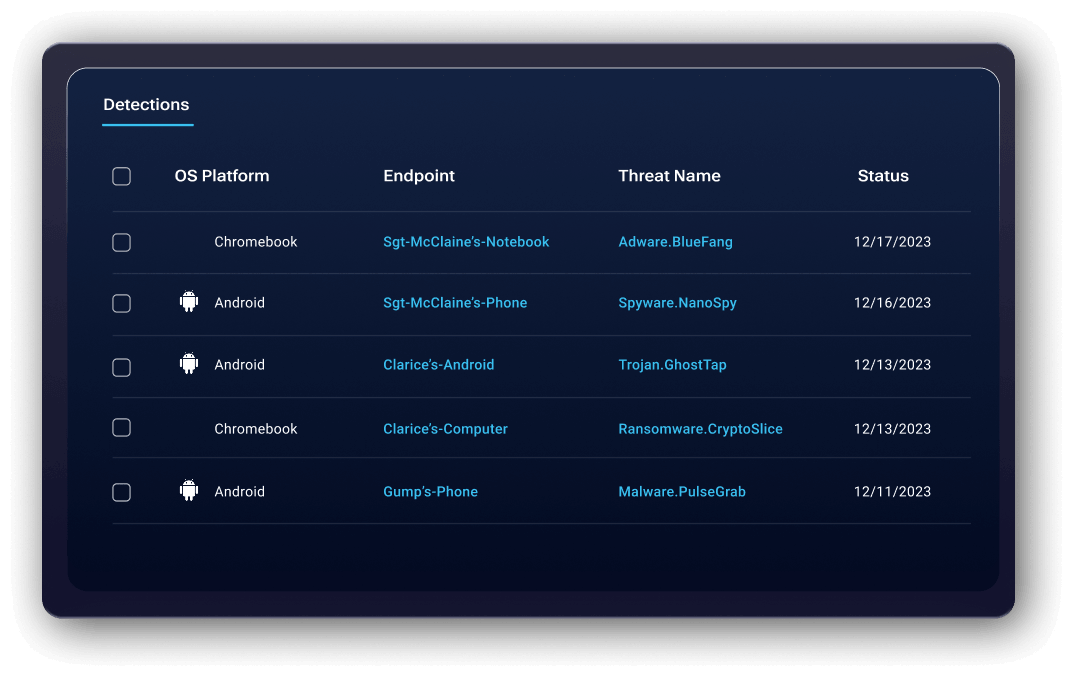
Mobile devices appear in your console alongside workstations and servers. Configure policies and investigate threats from the same dashboard.
Manage mobile endpoints across all client sites from OneView without switching consoles. Add Mobile Security to any client account in a single click.
Add mobile without adding complexity.
Without Mobile Security
With Mobile Security
Para proveedores de servicios gestionados
Built for MSPs. Multi-tenant ready, integrated with OneView.
Mobile endpoints appear in OneView alongside each client's workstations and servers. No additional console, no context switching.
Add Mobile Security to any client account in one click from OneView. Devices enroll via email or MDM, with protection active on first launch.
OneView surfaces a warning when web protection or ad blocking is disabled on a client device. Spot issues across your entire client base without opening each client's console.
Mobile Security is an add-on to any bundle tier. Any client already on Nebula or OneView can add mobile coverage in a single click.
Add Mobile Security with a single click from the Nebula or OneView console. See it in a demo.

De una misma infraestructura están surgiendo dos ecosistemas de IA: uno legítimo y otro delictivo.
¿Está preparada tu organización?